
Login to your account, and scroll down to "Manage Your Subscriptions”. Click the "Manage Subscription" dropdown on the right hand side, and select "Update shipping address" or "Update payment method" according to your needs.
Latest Stories

Inside Cleveland’s ONE® Project Condom Fashion Show at B-Side
From nightstands to the runway: See how the AIDS Taskforce of Greater Cleveland and ONE® Project Condom bro...

Sexual Health Tips From the ONE® Momentum® Community
September is Sexual Health Awareness Month, so we asked our ONE® Momentum® community to share the positive choices, habits, and conversations that have helped them support their sexual health and well-being this year. We also asked a second question: If...
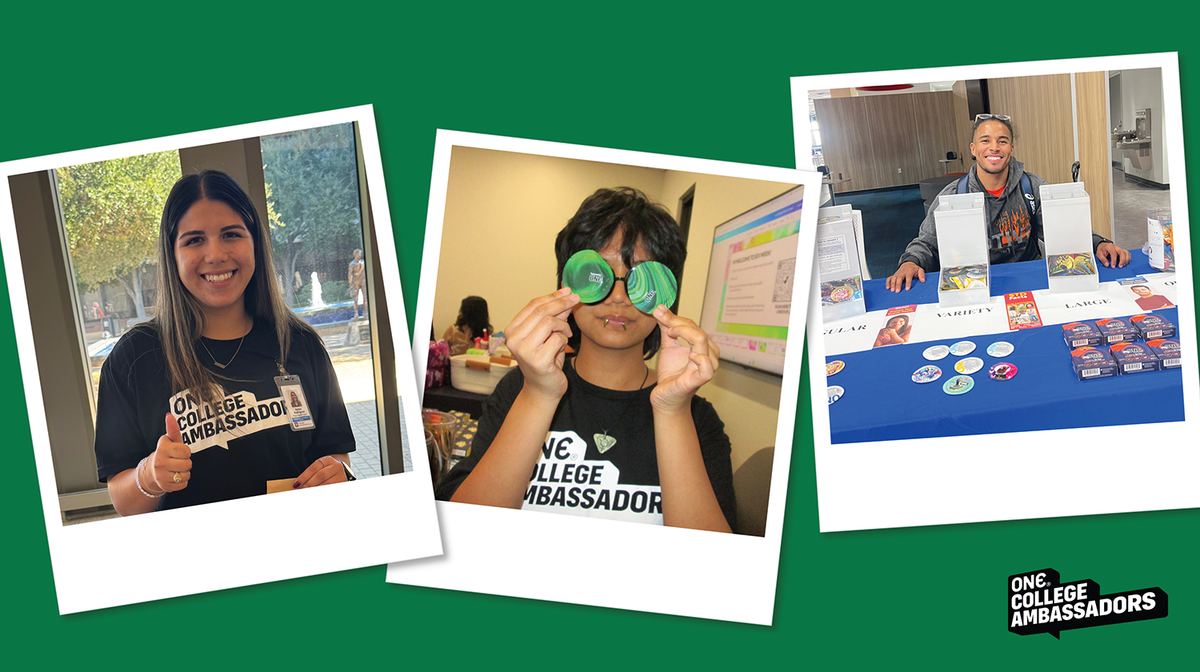
Two Years of Peer-Led Sex Ed: Celebrating the ONE® College Ambassador Program
Celebrate two years of the ONE® College Ambassador Program and the student leaders making sexual health edu...
Share:
How do I change my size code in my subscription?
Why does your login page say I don't have an account?